
Everything that brings customers back
Accounts, mailing lists, email, offers, reviews and marketplaces, in the same admin as your shop and working from the same customers and orders.
Accounts for your customers
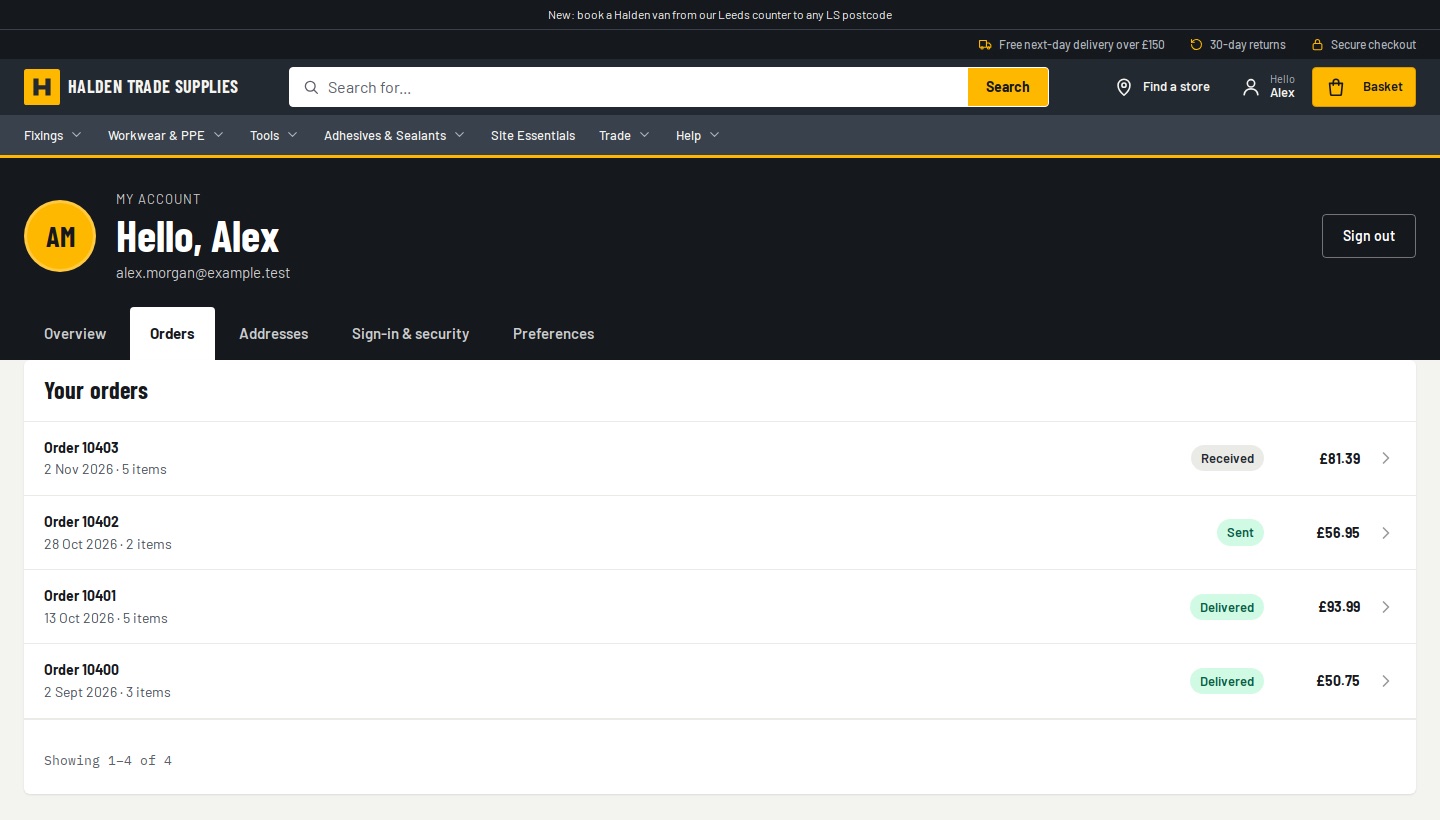
A My account page on your shop: orders, tracking, addresses and Buy again.
Mailing lists and consent
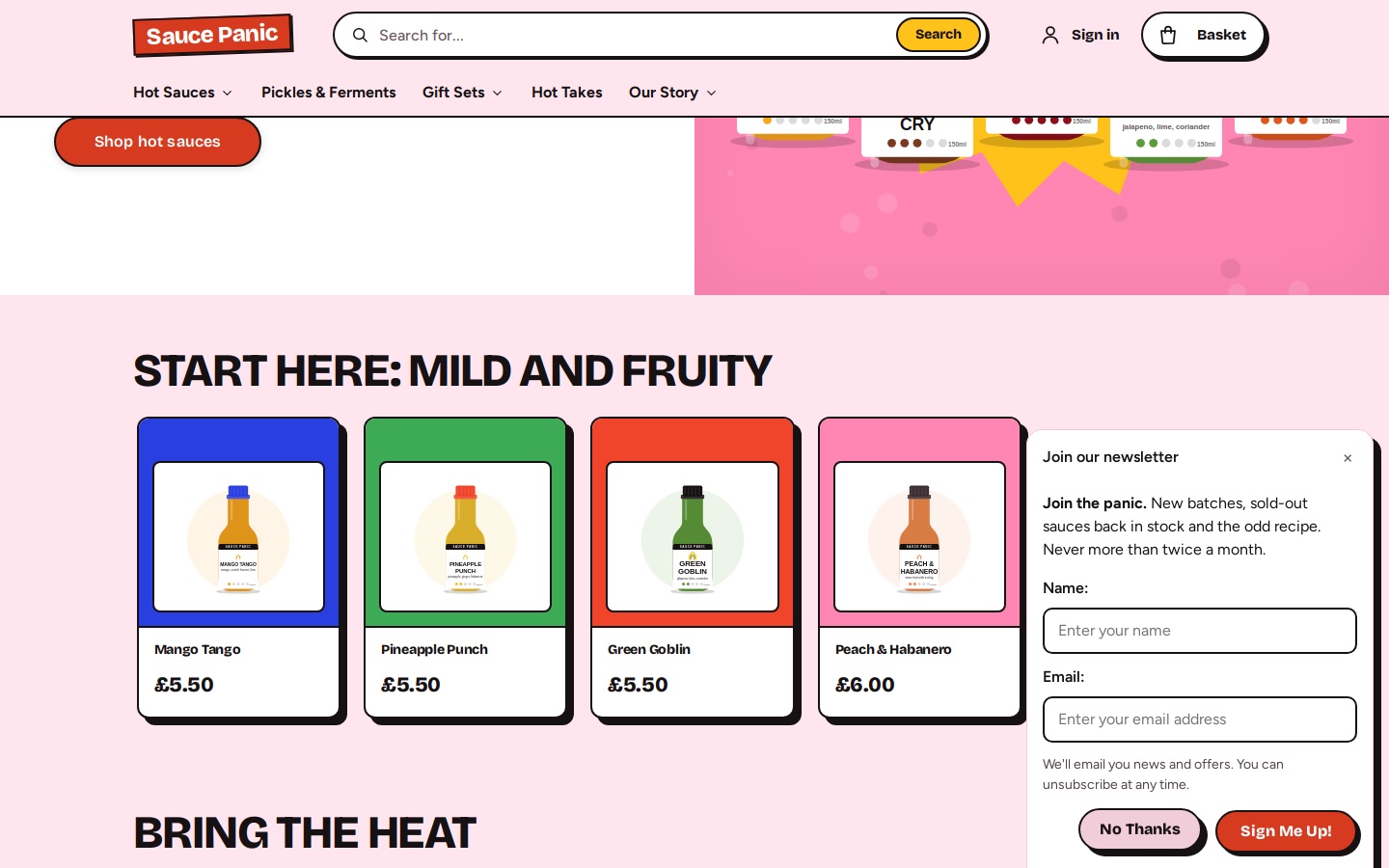
Sign-up forms and checkout tick boxes, with a record of every yes and no.
Email campaigns
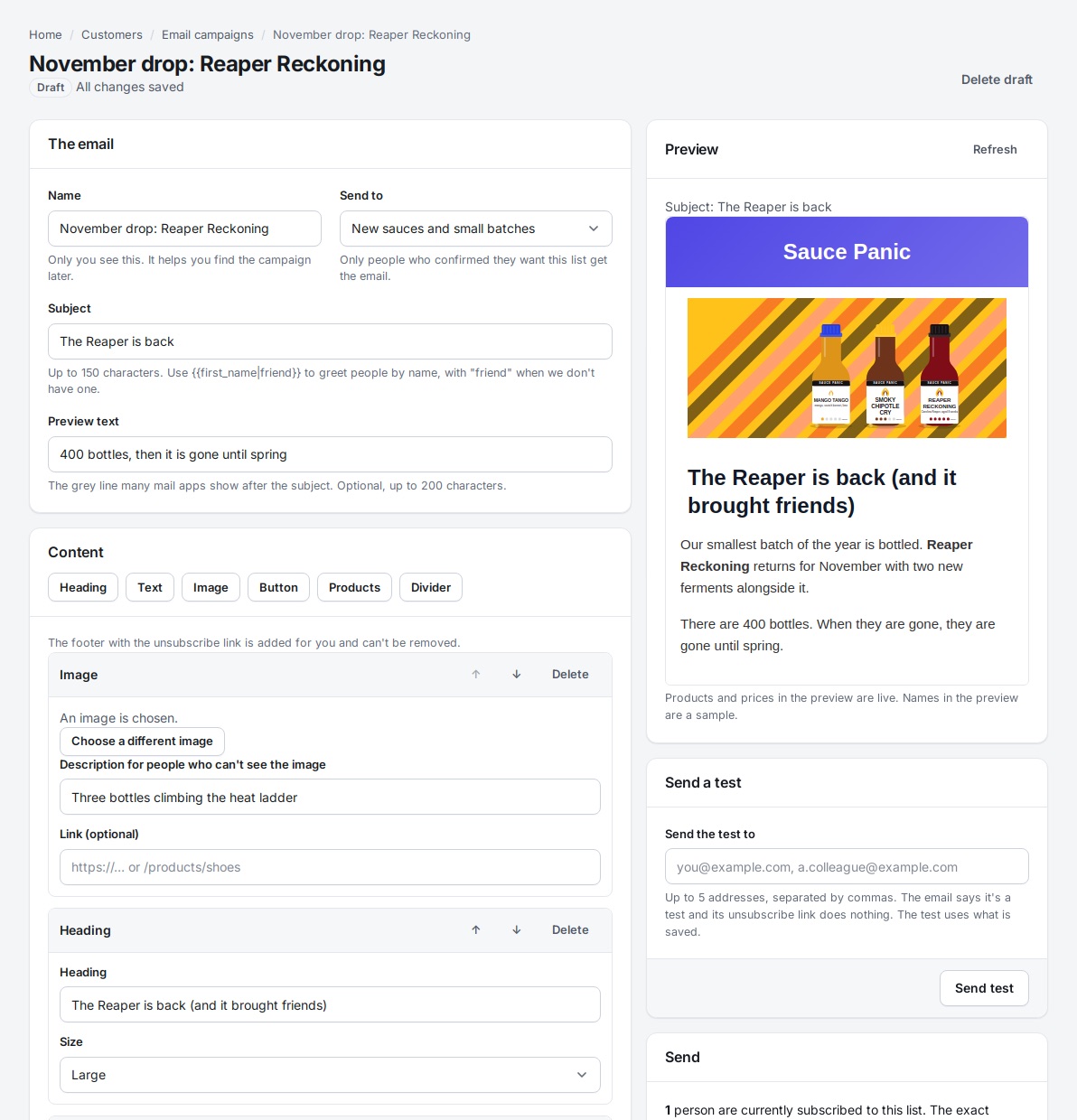
Write a newsletter in the admin and send it from your own domain.
Accounts for your customers
A My account page on your own shop
Customers sign in on your website and see everything they've had from you in one place: orders and where each parcel is, saved addresses, bookings, tickets, donations and the emails they've signed up for. It's ready on every theme.
Each order with its status, parcel tracking, Buy again and Print
Saved addresses offered again at checkout
Let customers cancel a mistake before you start on it
With Badger sign-in, an emailed code or link instead of a password, and earlier guest orders join the account
Passkeys, Google or Apple sign-in, and Sign out everywhere
Mailing lists and consent
Know who agreed to hear from you, and prove it
Shoppers can say yes to your emails at checkout or in a sign-up box on any page. Badger keeps a record of each yes and no: the date, where it happened and the exact words they were shown. That's the proof UK rules ask for.
UK soft opt-in at checkout, or plain opt-in if you prefer
A sign-up box docked at the bottom of the page instead of a pop-up
Double opt-in for sign-up forms, confirmed by a real person rather than a mail scanner
Your own lists, which customers tick or untick in their account
Terms and privacy notice versions, with the text each customer accepted
An inbox for contact-form enquiries, answered from the admin
Consent records
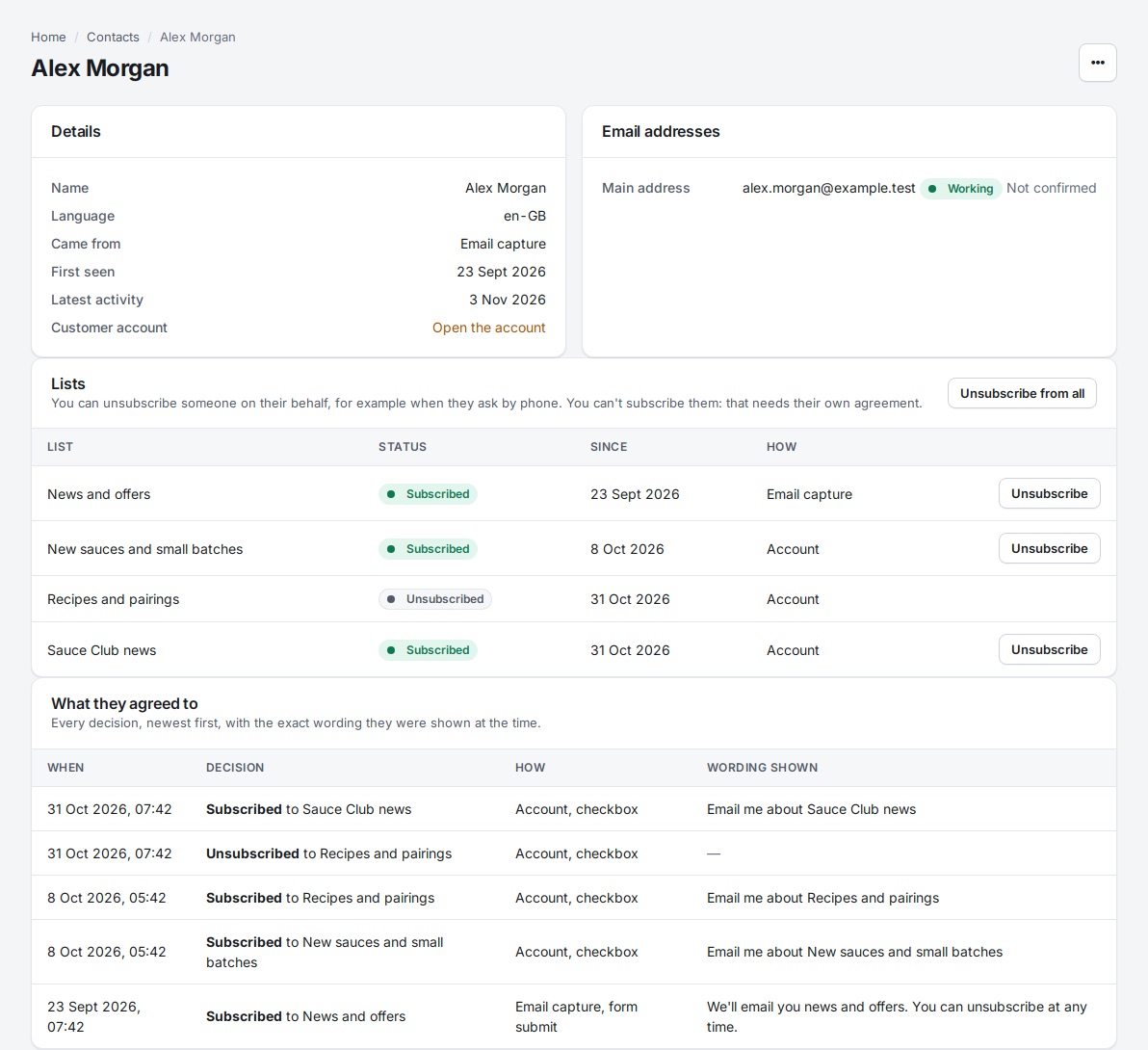
Every decision, in the customer's record
In the admin, each customer's page shows their consent history, which lists they're on and what they've asked you. A subject access request pack includes all of it.
Email campaigns
Send news and offers from your own address
Write a newsletter in the admin from ready-made blocks, send yourself a test and schedule it. It goes only to people who agreed, from your own domain, and you see how it did.
With your AI assistant
Ask who's interested
An assistant connected to your shop can read contacts and enquiries, set up promotions and draft a campaign for you to check.
You
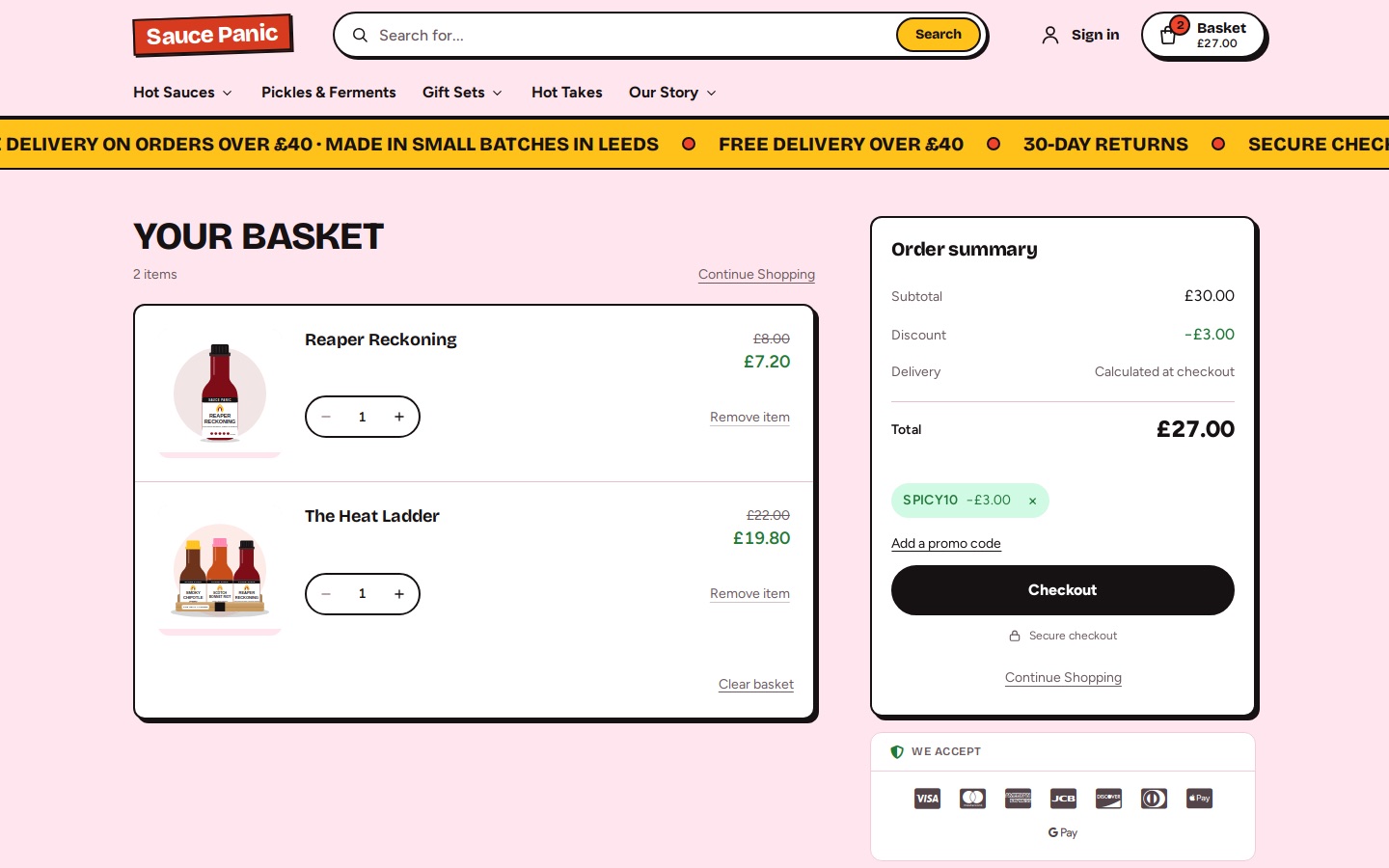
Set up 15% off for our first 100 newsletter subscribers, once each.
managePromotions
Claude, via the Badger MCP server
Done: a code promotion for 15% off, limited to 100 uses in total and one per customer, excluding donations and gift cards. The code is SPRING15.
Example conversation. The tool calls shown are the real ones the assistant uses.
Customer accounts, consent, mailing lists, campaigns, promotions and reviews come with every plan.
Coming soon
What we're building next. Tell us if one of these matters to you.
Segments: send to customers by what they bought or where they live
Automatic emails such as abandoned basket, back in stock and win-back
SMS, WhatsApp and push messages
See it from the customer's side
Every demo shop has the account area. Place a test order, then look at your account.