
Overview
Six parts that work together
Your stores and warehouses hold the stock. Each order goes to the place that can send it, the customer is told when it will arrive, and whoever packs it works from the same system.
Stores & store pages
A page for every store, a store locator, holiday hours, and closing a store for the afternoon in a couple of taps.
Click & collect
Free collection from your shop, or from whichever of your stores has the stock, with a collection code and kerbside arrival.
Stock across locations
Stock at every warehouse and store, each order sent from where the stock is, and stores that pack web orders.
Delivery dates
"Arrives Tuesday" at checkout, worked out from your cut-offs, couriers and closed days, with late orders flagged.
Parcel labels & tracking
Buy and print labels without leaving Badger, and let customers follow every parcel to the door.
Fulfilment partners
Partners and store teams pack their own orders from a portal on their phone, and print on demand items (early access) go straight to Prodigi to be printed.
See it working
Five trade counters and two warehouses
Halden Trade Supplies is a demo builders' merchant on Badger Commerce Enterprise. Its stock sits in two distribution centres and five trade counters, and shoppers can collect from any counter that has what they need.
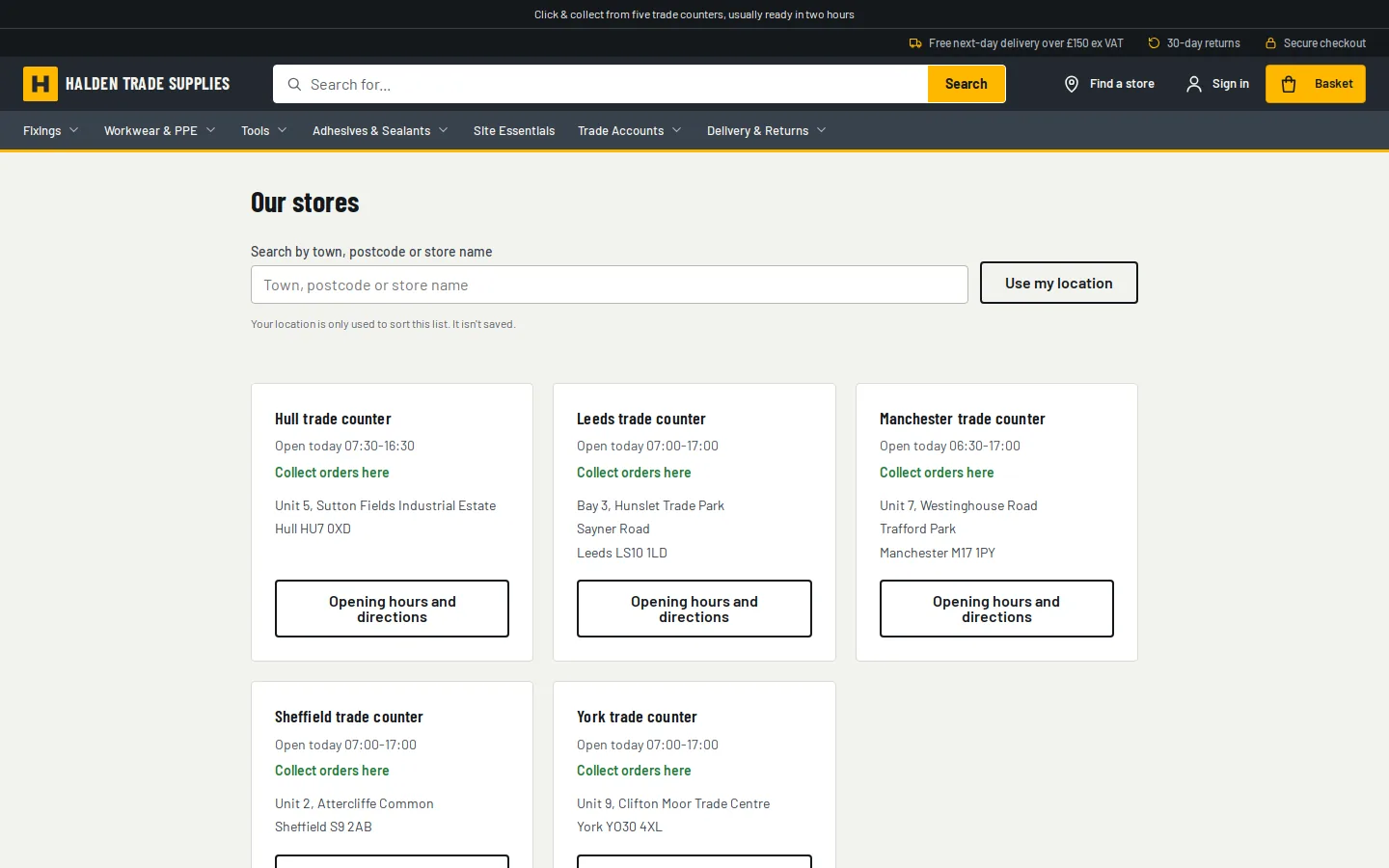
Find a store, with each counter's hours and directions
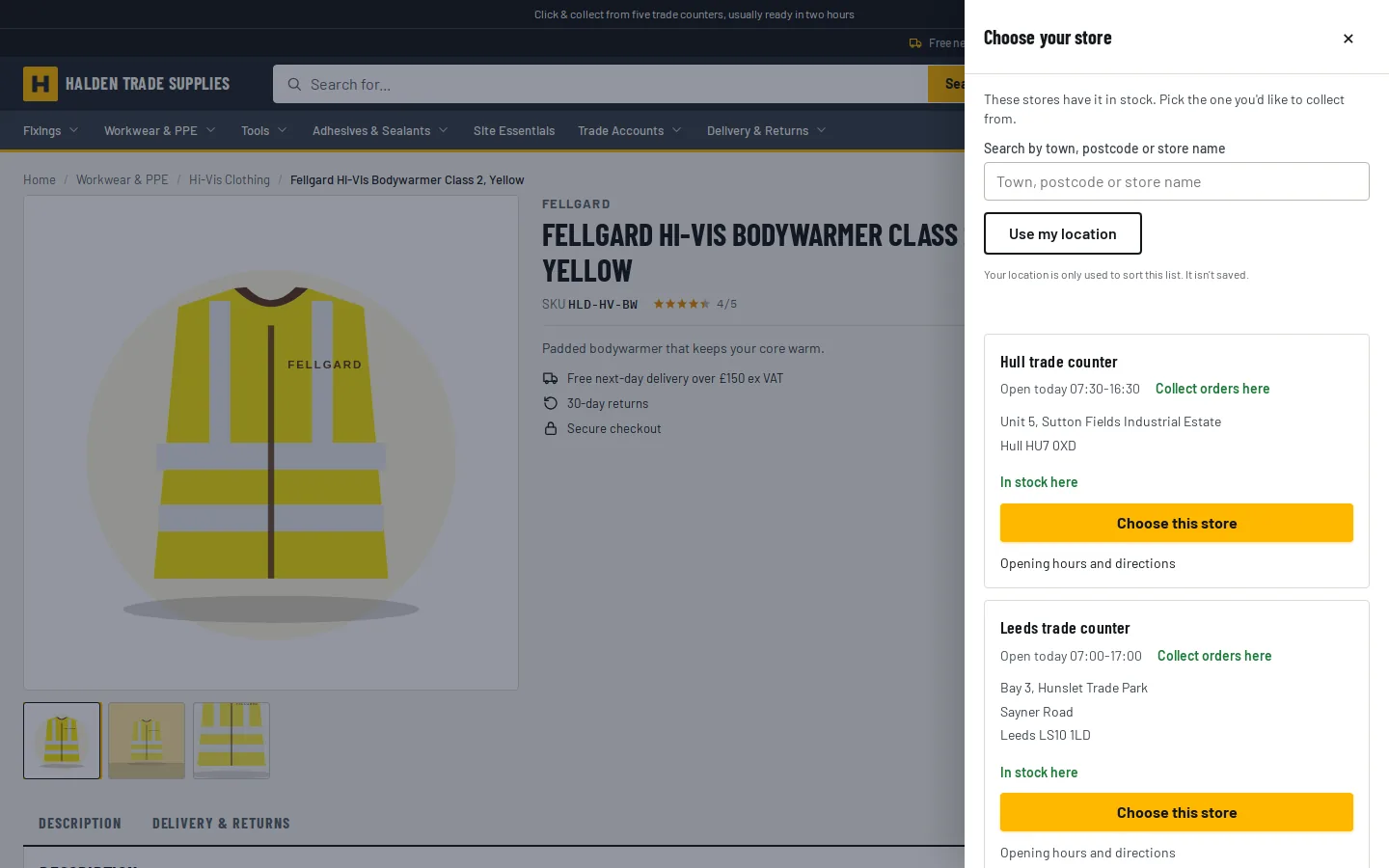
Choose a store on any product page and see straight away whether it has the item
A page for every counter, with how to collect and a button to make it your store
Checkout offers collection from every counter that has the whole basket
What comes with each edition
Lite
Enterprise
Store pages
A page for each store, a store locator, holiday hours and closures
Included
Collection
Free collection from your own address
Collection from any of your stores
Stock
One stock location
Stock at every warehouse and store
Where orders ship from
Your main location
Wherever the stock is, including your stores
Busy stores
Close a store for a while
Daily limits, collection slots and own-van delivery windows
Delivery dates
Included
Included
Parcel labels and tracking
Included
Included
Fulfilment partners
Included
Included
Paying in store
Take cards on a phone or a card reader
Badger POS takes card payments with Tap to Pay on iPhone and Android, or on one of three card readers. We configure each reader for your shop, linked to the store it sits in, so it's ready to take payments when you switch it on. Payments go straight into your own Stripe account, and the admin shows which readers are online.
Best for starting out
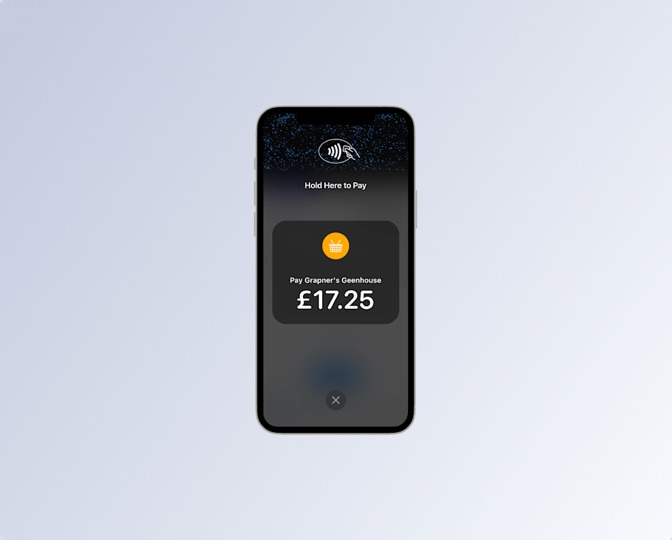
Tap to Pay
On iPhone or Android: the customer taps their card on the till phone
Contactless cards, Apple Pay and Google Pay
Nothing extra to buy, carry or charge
Runs in the Badger POS app on iPhone and Android
Works wherever the phone has a connection
Best for a physical store
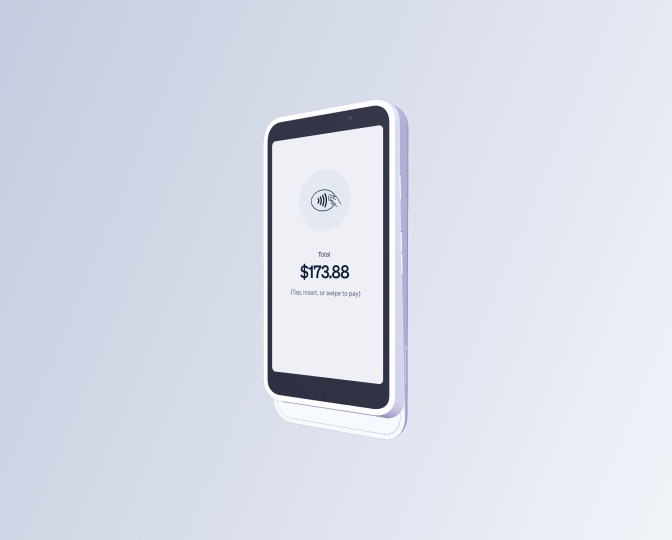
Stripe Reader S700
A smart terminal with the largest screen of the three
Chip and PIN, contactless, Apple Pay and Google Pay
Wi-Fi, or ethernet through its dock
5.5-inch touchscreen, with tipping on the reader
About 15 hours of use per charge, 318 g
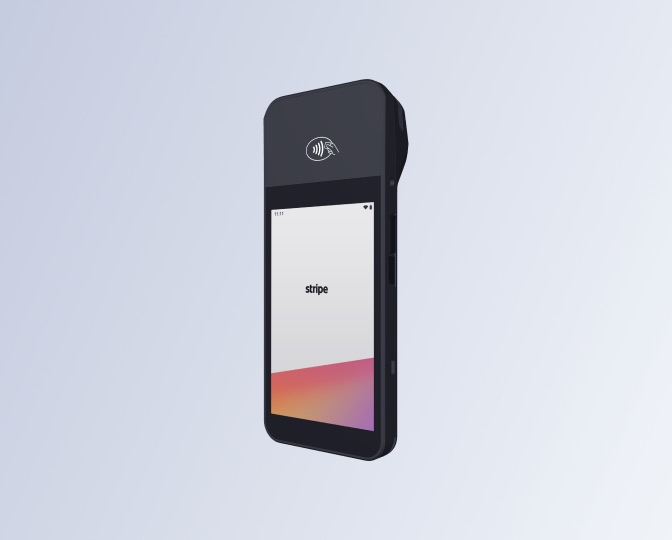
Best for cafés and table service
BBPOS WisePOS™ E
A smart touchscreen terminal for the counter or in the hand
Chip and PIN, contactless, Apple Pay and Google Pay
Wi-Fi, or ethernet through its dock
5-inch touchscreen, with tipping on the reader
About 12 hours of use per charge, 318 g
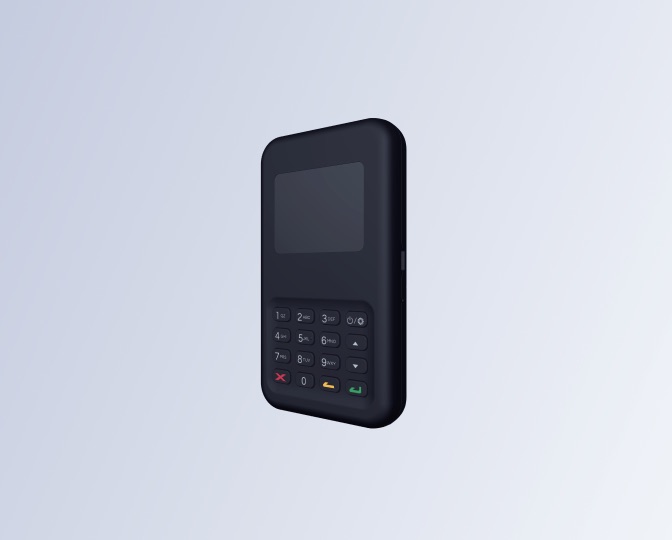
Best for events and pop-up stores
BBPOS WisePad 3
A pocket reader that pairs with the till phone
Chip and PIN, contactless, Apple Pay and Google Pay
Bluetooth to the phone or tablet running the till
2.4-inch colour screen and PIN keypad
About 15 hours of use per charge, 130 g
Best for
Reader
Why
Starting out
Tap to Pay
Nothing to buy: the customer taps their card on the till phone, iPhone or Android
A physical store
Stripe Reader S700
Sits on the counter in its dock, with a large screen the customer can read
Cafés and table service
BBPOS WisePOS E
Staff carry it to the table, and it works on its own over Wi-Fi
Events and pop-up stores
BBPOS WisePad 3
Fits in a pocket and pairs with the till phone, so it needs no Wi-Fi of its own
Card fees are Stripe's in-person rate. Badger charges the same platform fee as online orders, with no monthly fee per reader. Badger POS is in pilot.
With your AI assistant
Run the stores by conversation
Through the shop's MCP connection, an assistant such as Claude can open and close stores, change holiday hours and limits, check stock at each location, buy parcel labels and tell you what's running late. It works under the same rules as the admin.
You
Leeds is short-staffed this afternoon. Stop sending it orders until the morning, and tell me if anything is running late.
manageLocations setStatus · opsInbox
Claude, via the Badger MCP server
Done: Leeds is closed until 07:00 tomorrow, so no web orders go there and shoppers who picked it are asked to choose another store. Two parcels are late, both last scanned at a courier depot on Monday. Want their order numbers?
Example conversation. The tool calls shown are the real ones the assistant uses.
See it working, then decide
Try the Halden demo, or tell us how your stores and warehouses work today.