
Your own Stripe account
Payouts go directly to you on Stripe's schedule. Refunds, disputes and reporting are all in your own Stripe dashboard too.
Wallets and strong authentication
Apple Pay and Google Pay, with 3D Secure handled by Stripe's payment flow.
Gift cards
Sell virtual gift cards and top-ups, and let customers pay part by gift card and part by card. Gift card PINs are encrypted per shop.
Subscriptions
Sell anything monthly: boxes, memberships, regular gifts. Customers manage their own; you can pause, resume or cancel.
Failed payments chased for you
When a renewal fails, the customer gets one clear email per retry with a secure link to update their card. You get a daily summary.
Capture when it suits you
Take payment at order, at packing or at dispatch, set by the shop's order pipeline.
VAT worked out for you
If your prices include VAT, checkout works out how much of each price is VAT at UK and EU rates, with a rate on each product and on delivery. Shoppers see it in the order total, it's on the order email, and you get a VAT report for your return.
Your own currency
Choose the currency your shop sells in and prices are written the way your shoppers read them. To sell in two currencies, run a site for each and link them (below).
Refuse a way of paying
Stop a product being paid for by credit card, by a card brand or by a method such as Klarna. Made for society lotteries, which can't legally be bought on credit.
Payment rules per product
Keep a product off the cards it can't take
For any shop with a product that mustn't be paid for a certain way: a lottery entry that can't go on credit, or a low-margin item you'd rather not take American Express for. Tick the boxes on the product in the admin, or ask your AI assistant.
Refuse credit, debit or prepaid cards, a card brand, or methods such as Apple Pay, Klarna, Clearpay or PayPal
A refused payment is never taken: the shopper is told in one sentence which product can't be paid that way and is asked to pay another way
Covers every variant of the product, and a whole basket that contains it
Subscribers who change their card later are checked too, and told if the new card can't be used
Selling in more than one currency
A currency menu that links your shops
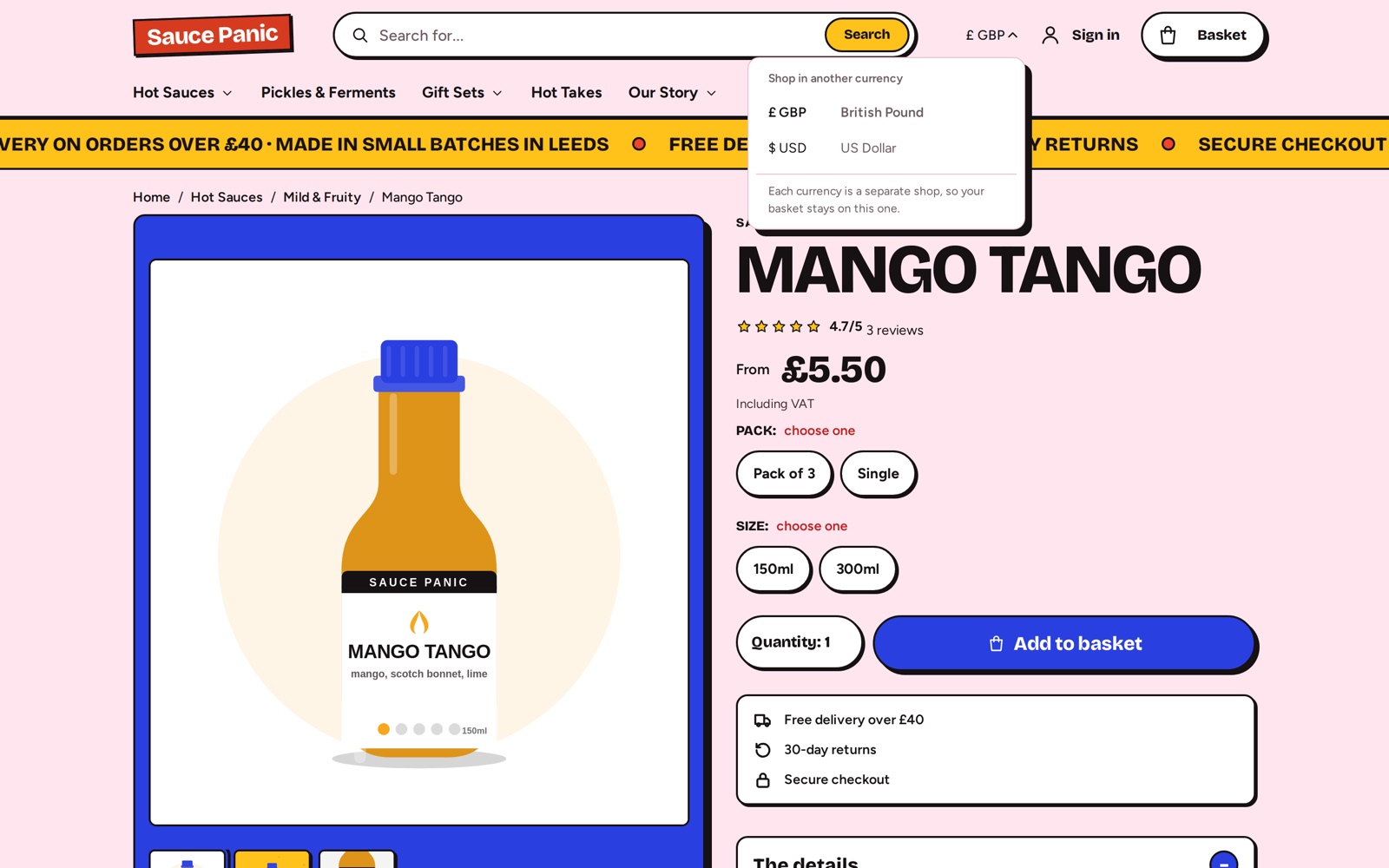
Run a shop for each currency, such as one in pounds and one in US dollars, and link them. Every theme then shows a currency menu in the header that opens the same page on the other shop, and search engines are told the shops are versions of each other.
Each currency is a separate shop with its own basket, checkout and prices.
Fees you can predict
On Lite, one all-in rate per order covers card processing as well. On Enterprise you hold your own agreement with Stripe.
No card data stored by Badger: Stripe handles it
Promo codes entered in the basket or at checkout, with the saving shown straight away
Optional Stripe.js on every page for better fraud signals from Radar
Same payments, refunds and reports for in-person sales through Badger POS
See it working, then decide
Try a demo shop, start a 14-day Lite trial, or talk to us about a larger project.