
Card or cash
The till is the phone in your hand
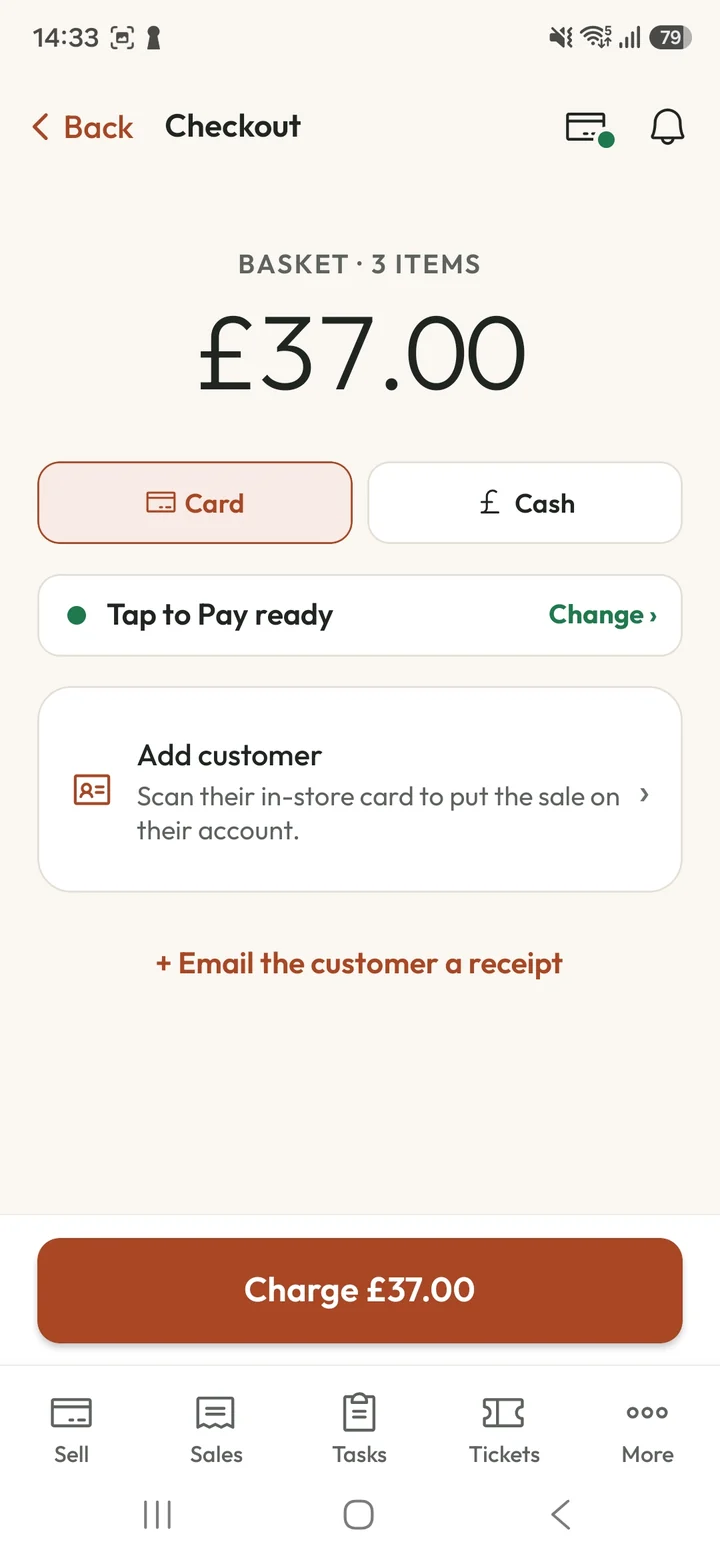
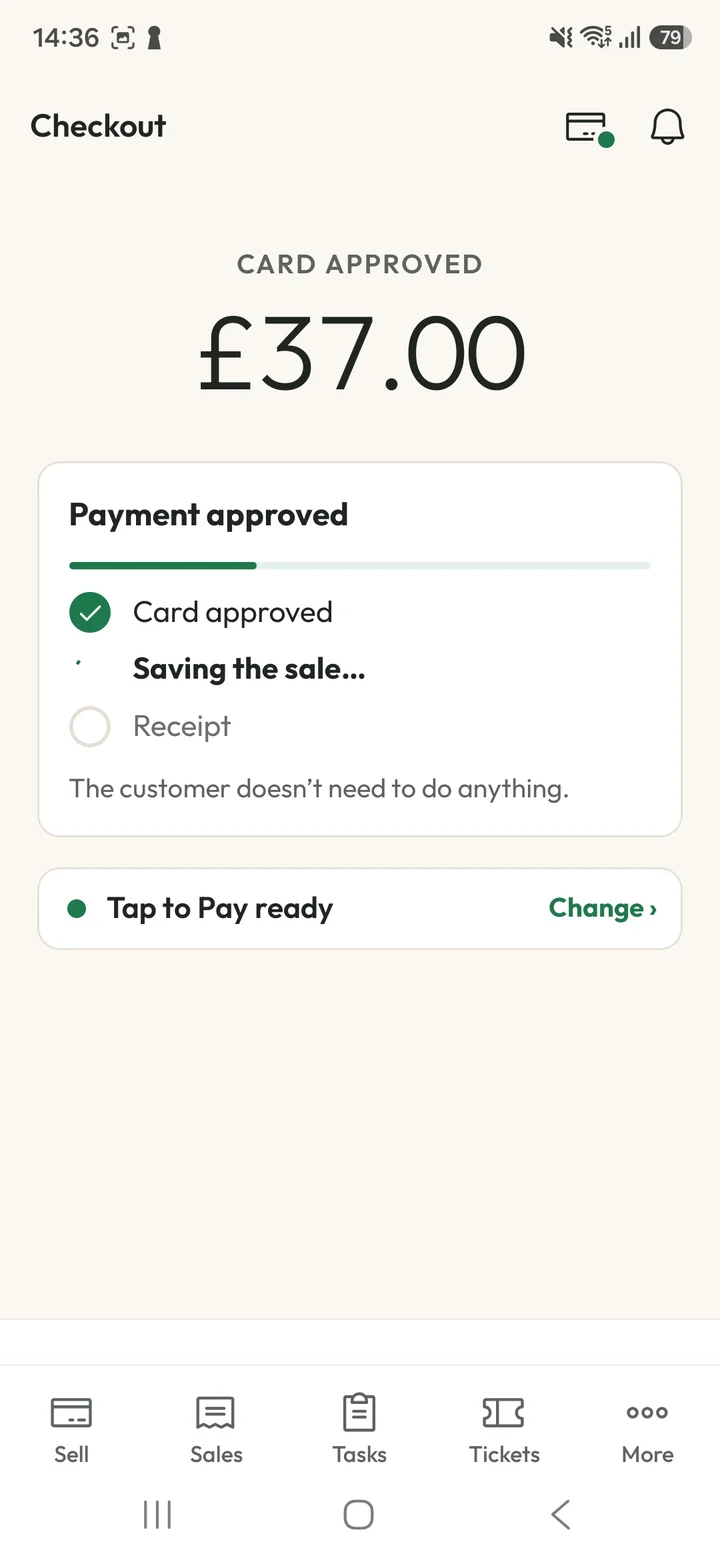
The customer taps their card or phone on the till phone, or pays on a card reader. Cash is recorded on the same sale, with the change worked out.
Tap to Pay on iPhone and Android: contactless cards, Apple Pay and Google Pay
Or a Stripe Reader S700, BBPOS WisePOS E or WisePad 3, set up for the store it sits in
Cash for the staff you allow to take it, with the change shown
Split a bill across two cards
Payments go straight into your own Stripe account
At the counter
Building the sale
From a cup of tea to a full basket, a donation or a monthly gift.
Quick payment
Key in an amount and take it by card or cash, for a raffle ticket or a one-off item.
A basket from your catalogue
Search or scan barcodes, change quantities, and stock is updated as you sell.
Custom amounts
A labelled amount for something that isn't in the catalogue, for the staff you allow to add one.
Donations of any amount
Take a donation and record the donor's Gift Aid declaration at the till.
Discount codes
Put the customer's code on the basket, with the same conditions and limits as online.
Staff discounts
Take a percentage or an amount off a line or the whole basket, with a reason. Each person has their own limit.
The customer's in-store card
Scan the QR code from their account or wallet, and the sale joins their order history.
Sign people up
Start a monthly subscription or regular gift in person, billed like one taken online.
After the sale
Receipts, refunds and the day's takings
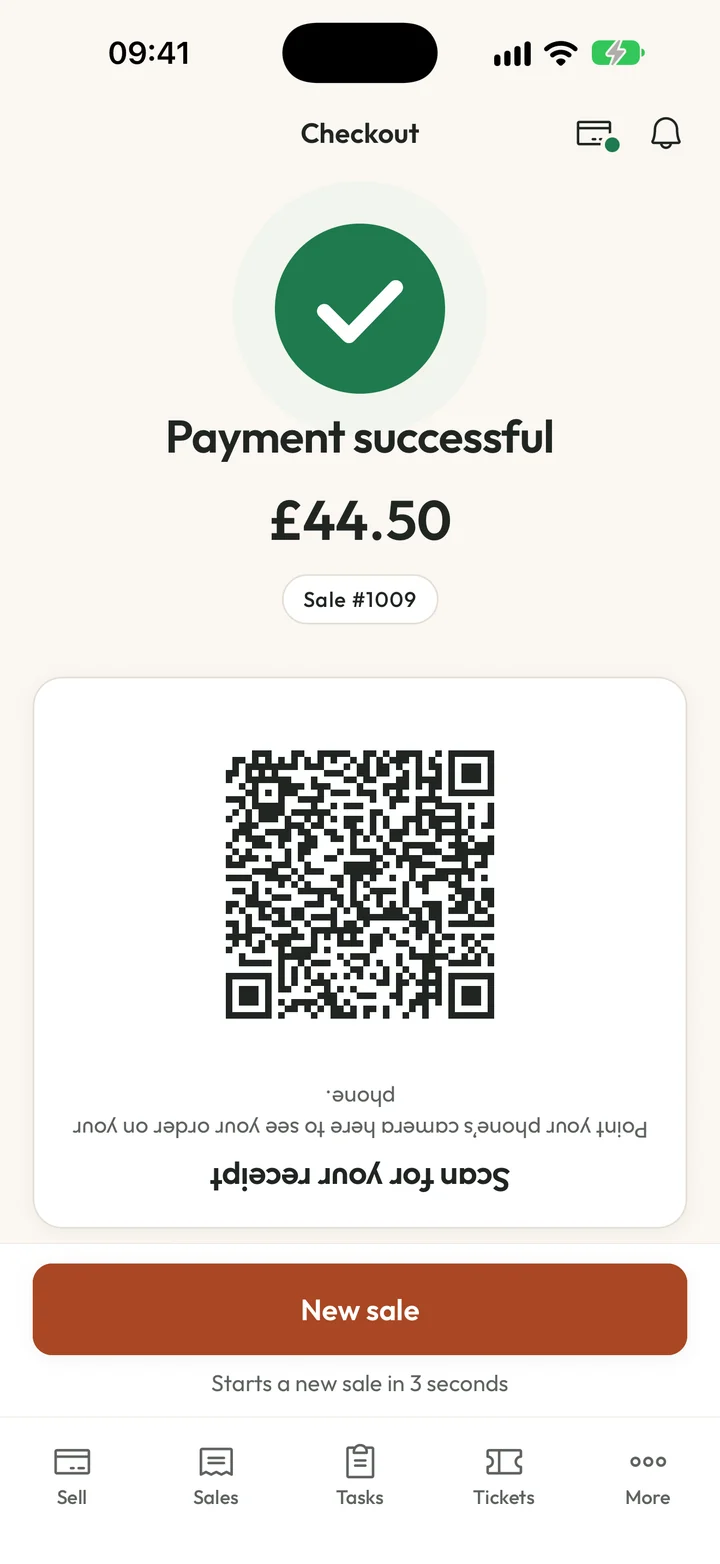
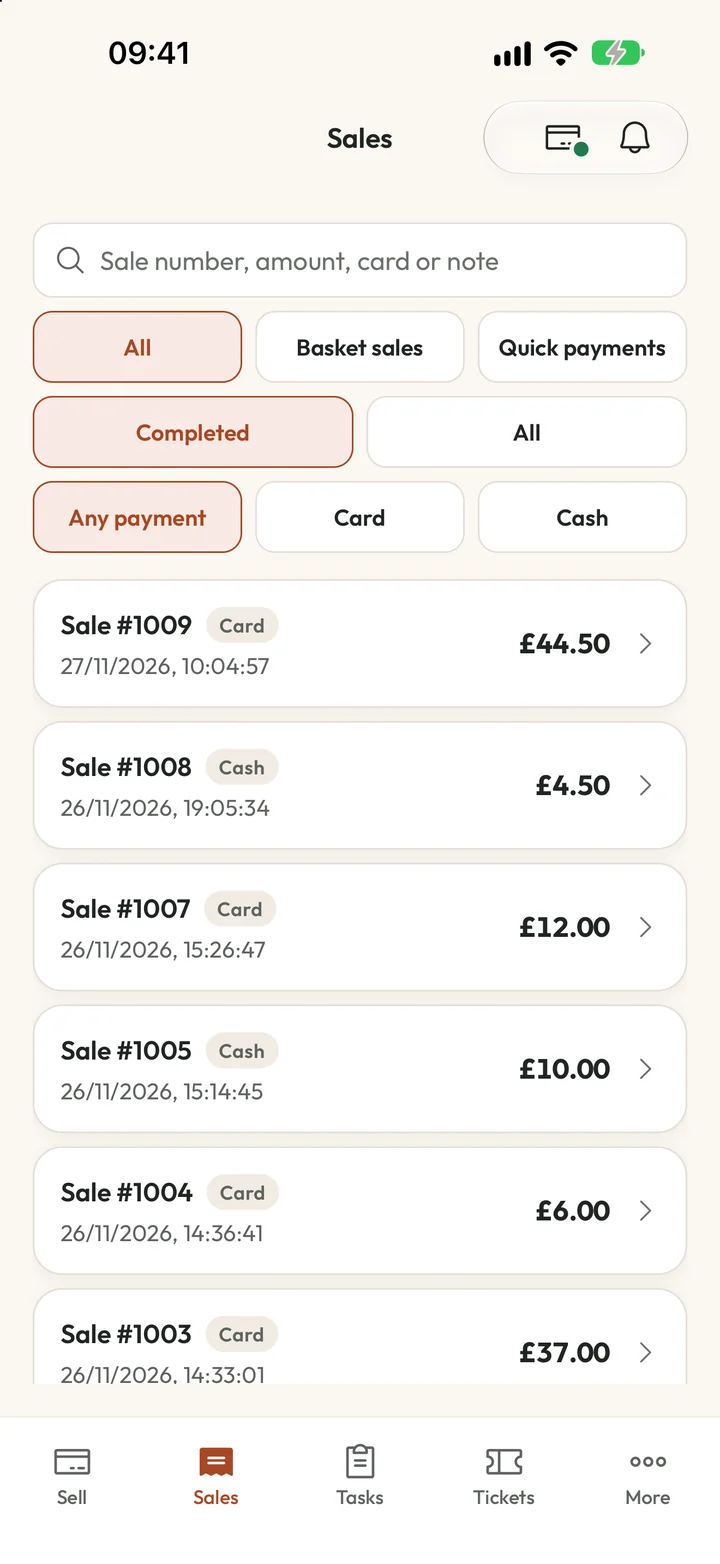
Every sale has an order number and goes through the same reports, refunds and emails as a web order.
A QR code the customer scans for their receipt, or a receipt by email
Find any sale by its number, the amount, the card's last four digits or a note
Refunds go back to the card, and only the staff you allow can give them
Each member of staff sees the takings for their own stores
Hardware
Tap to Pay or a card reader
Start with nothing to buy, or put a reader on the counter. We configure each reader for your shop, linked to the store it sits in.
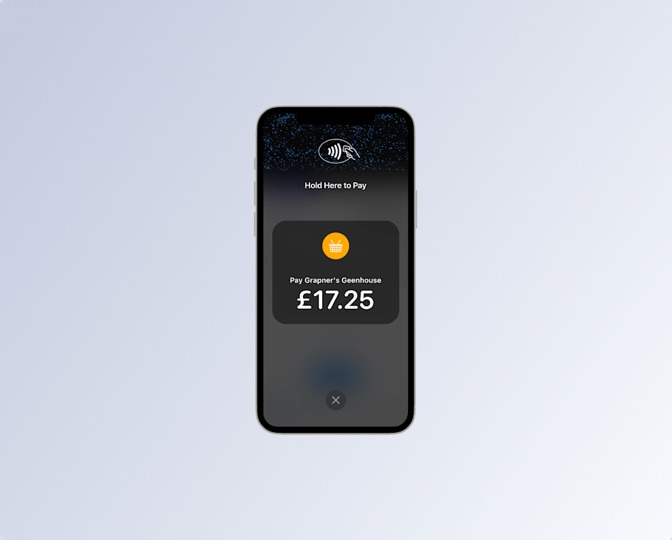
Best for starting out
Tap to Pay
On iPhone or Android: the customer taps their card on the till phone
Nothing extra to buy, carry or charge
Contactless cards, Apple Pay and Google Pay
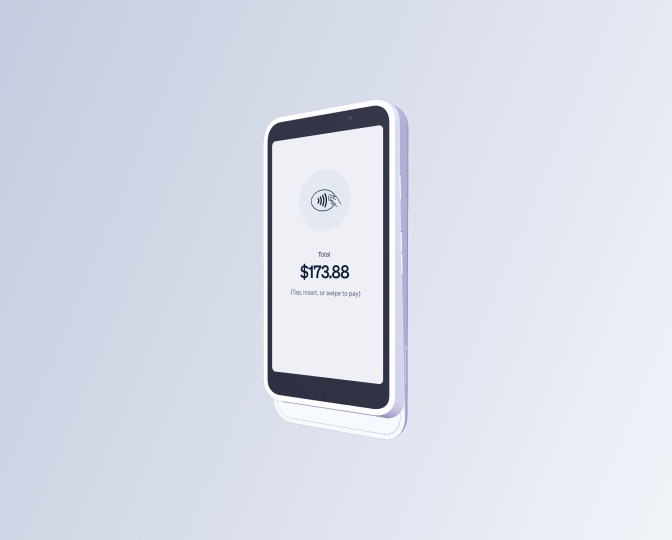
Best for a physical store
Stripe Reader S700
A smart terminal with a large screen the customer can read
Chip and PIN and contactless
Sits on the counter in its dock
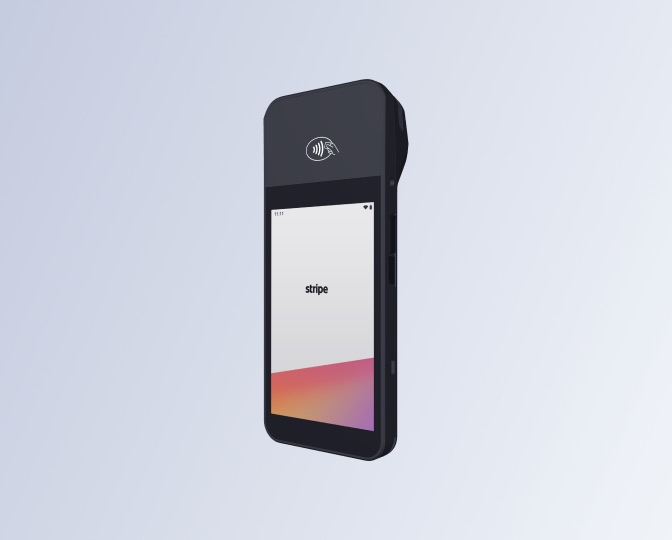
Best for cafés and table service
BBPOS WisePOS™ E
A touchscreen terminal staff carry to the table
Chip and PIN and contactless
Works on its own over Wi-Fi
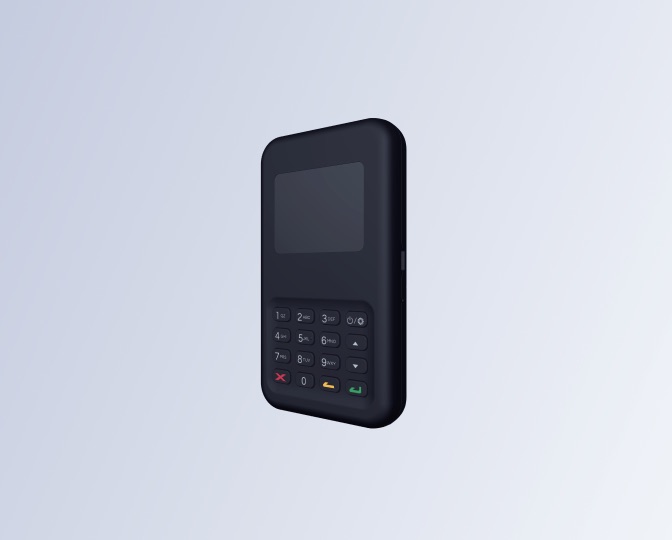
Best for events and pop-ups
BBPOS WisePad 3
A pocket reader that pairs with the till phone
Chip and PIN and contactless
Bluetooth to the till phone, no Wi-Fi needed
Your team
Each person signs in as themselves
Add staff by email: they get an invitation from your shop. You decide what each person can do at the till.
A limit on how much one sale can be, set for each person
Who can take cash, give refunds, add custom amounts and give discounts
Every sale and discount records who made it
Not yet: offline selling, printed receipts, paying partly in cash and partly by card, and cash drawers
Take your first payment at your next event
Badger POS is in pilot, on iPhone, iPad and Android. Tell us what you sell in person and when.
Explore
More on selling in person
Running a store
Collections picked in aisle order, customers who say they're outside, parcels packed in store, stock checks and gap walks.
Click & collect
Free collection from your shop, or from whichever of your stores has the stock, with a collection code and kerbside arrival.
Restaurant service
The diary, tables seat by seat, a kitchen board for every station, and takeaway and delivery on the same board.
Tickets at the door
Sell tickets online and scan them as people arrive, with a live count of who's in.